

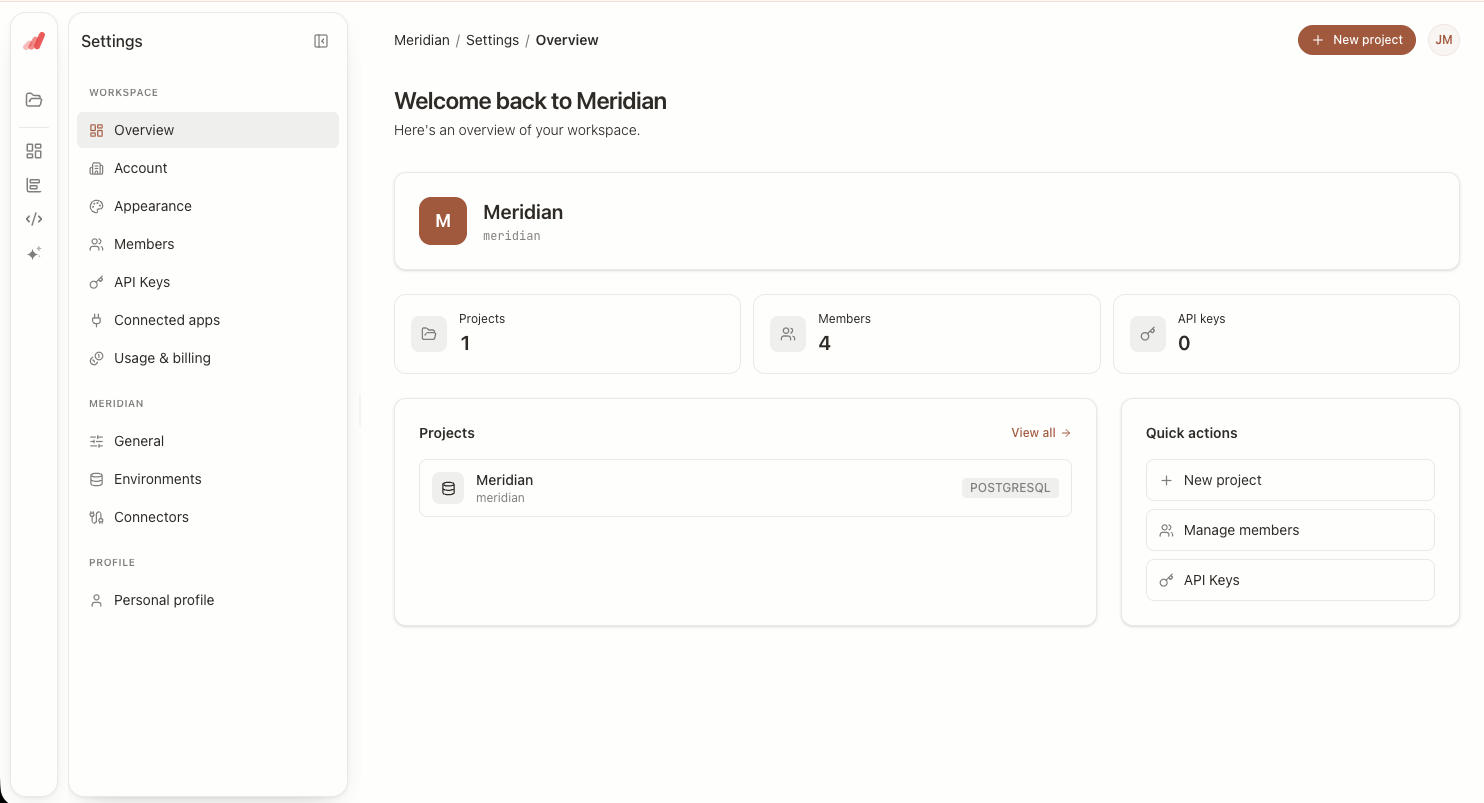
Workspace Settings
The workspace is the top-level container in Aptrics. It owns your projects, your members, your billing plan, and the security policies that apply to everything inside it. Workspace settings are where an administrator configures those organization-wide defaults.
Changes here apply to every project in the workspace, so they are restricted to workspace owners and administrators.
General
Name, Slug, and Logo
Set the workspace display name and upload a logo. The workspace slug forms part of your workspace URL; changing it invalidates existing links, so pick it carefully and change it rarely.
Time Zone and Locale
The workspace time zone determines how date grains are bucketed when a metric does not pin its own. Locale controls number, date, and currency formatting across dashboards and exports. Set these before you build reporting on top of them — changing the time zone later shifts historical buckets.
Accent Color
Workspaces can set a custom accent color used for links, active states, and primary actions. Aptrics checks the color for legibility and derives a matching hover shade and foreground automatically, so body text stays readable whatever accent you choose.
Security and Access
Authentication
Configure how members sign in — email and password, social sign-in, or SSO. Workspaces on plans that support it can require SSO for all members and disable other methods entirely.
Domain Restrictions
Restrict membership to one or more verified email domains, and optionally let anyone on those domains join without an individual invite. This is the fastest way to onboard a large internal team without hand-inviting each person.
Audit Log
The audit log records member and role changes, connector and API key activity, and destructive actions such as deleting a project. Filter by actor, action type, or date range when investigating a change.
Danger Zone
Transfer Ownership
Ownership can be transferred to another administrator in the workspace. The outgoing owner keeps administrator access unless they are separately removed.
Delete Workspace
Deleting a workspace permanently removes its projects, models, dashboards, connectors, and API keys. The action requires typing the workspace name to confirm and cannot be undone — export anything you need first.